Brother
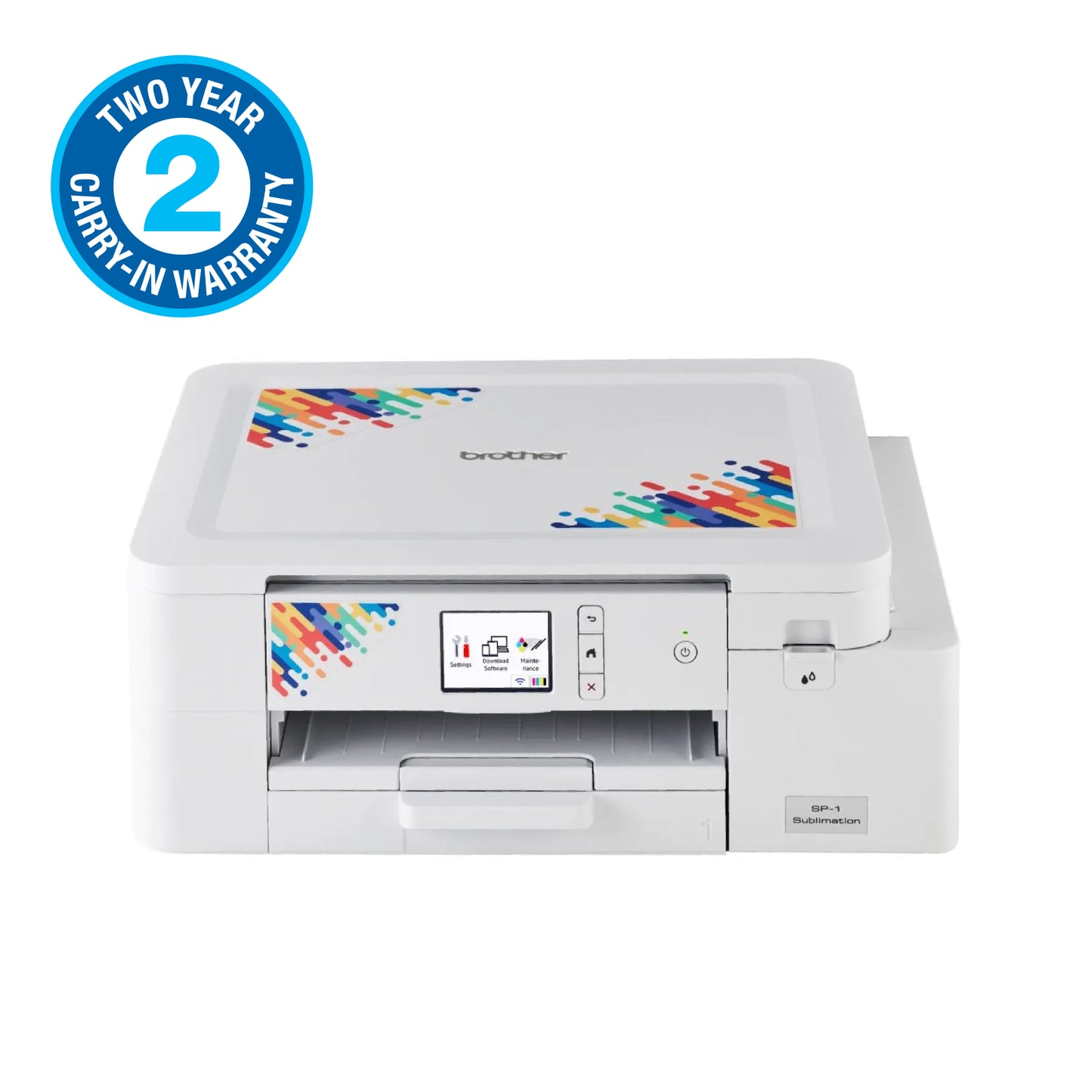
Brother A4 Sublimation Printer 2 Year Carry In Warranty USB Cable Not Included Heat Press Required
Brother A4 Sublimation Printer 2 Year Carry In Warranty USB Cable Not Included Heat Press Required
Couldn't load pickup availability
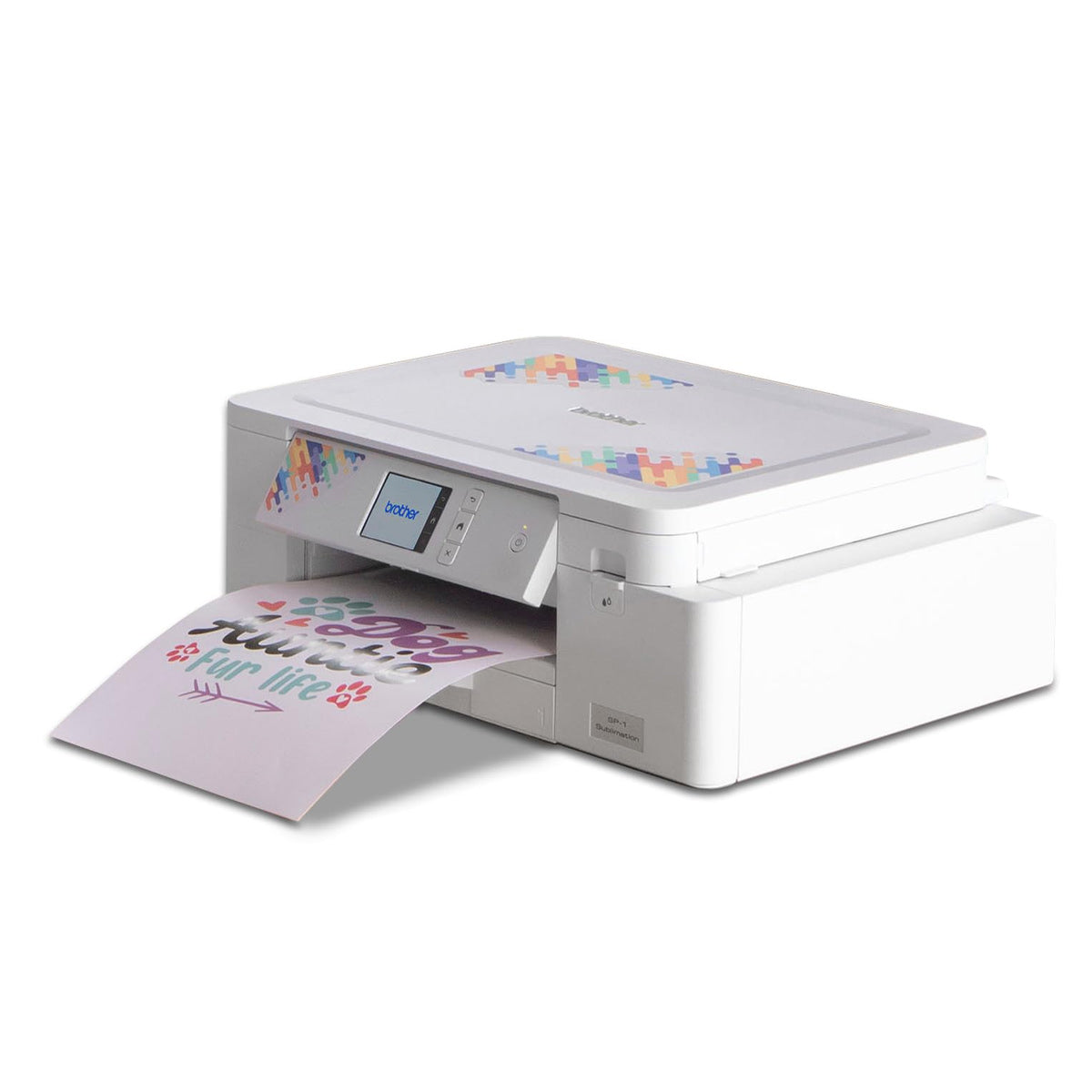
Introducing the Brother A4 Sublimation Printer — a compact, purpose-built solution engineered for vibrant, durable transfers on A4-sized media. Built with small studios, makers, and home-based businesses in mind, this printer transforms ideas into professional-grade prints with consistent color and sharp detail from the first page to the last.
Designed specifically for sublimation workflows, it works with compatible sublimation inks and papers to produce richly saturated images on a range of substrates when paired with a heat press. Important setup notes: a heat press is required (not included) to transfer your designs, and a USB cable is not included (USB connectivity is supported, with cables available as an accessory).
- 2-year carry-in warranty: Solid protection for your workflow, so you can focus on turning orders into finished projects without downtime.
- Precise color and repeatable results: A4 print capability coupled with Brother’s color-management approach delivers consistent, professional-grade transfers across batches.
- Compact, space-friendly footprint: Ideal for desks, craft corners, or small studios where every inch counts.
- Perfect for small-batch, customized runs: Great for on-demand apparel panels, personalized gifts, event favors, and limited-edition merchandise.
Who this is for: crafters, small-batch print-on-demand sellers, and homeschooling or hobbyist makers who want to elevate their projects with high-quality sublimation without committing to larger, more complex equipment.
What problems it solves: eliminates the need to outsource short runs, speeds up turnaround for gift/customer orders, and provides reliable color fidelity on A4 formats so you can confidently deliver crisp imagery, durable transfers, and consistent results project after project.
Practical tips for best results: use only compatible sublimation inks and transfer papers, confirm your substrate is sublimation-ready, and run a test print to dial in color profiles before your first production run. When you’re ready to transfer, pair this printer with a compatible heat press and the appropriate heat, time, and pressure settings for your chosen substrate to achieve optimal results.